
How it works: Digipic
From account to QR code in under a minute. Here we show you, step by step, how easy it is to collect every photo from your event.
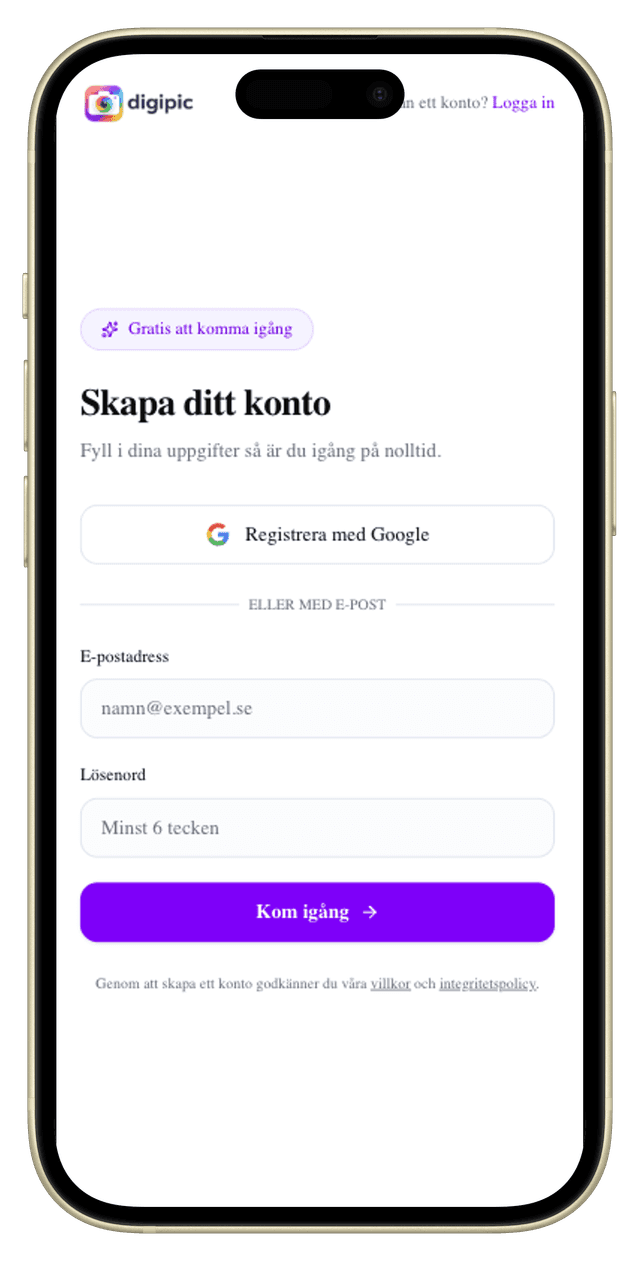
Create your account
Sign up for free with email or Google. It only takes a few seconds – then you're ready to create your first event.
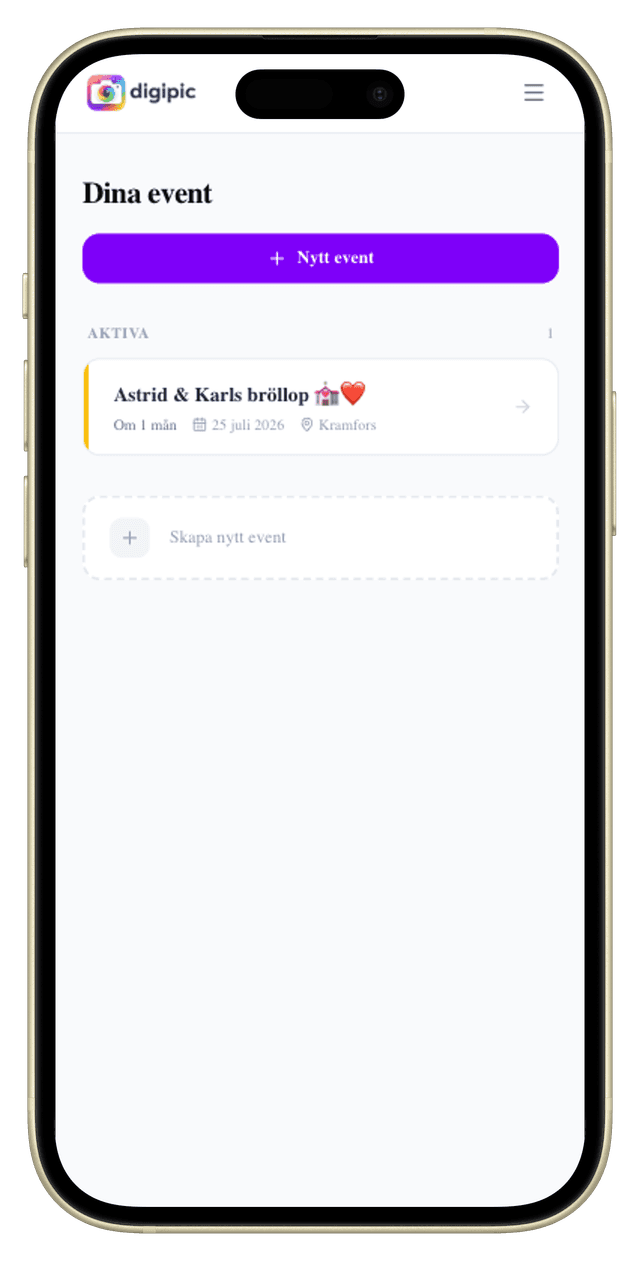
See your events
Your dashboard shows all your events in one place. From here you can quickly create new events or open an existing one.
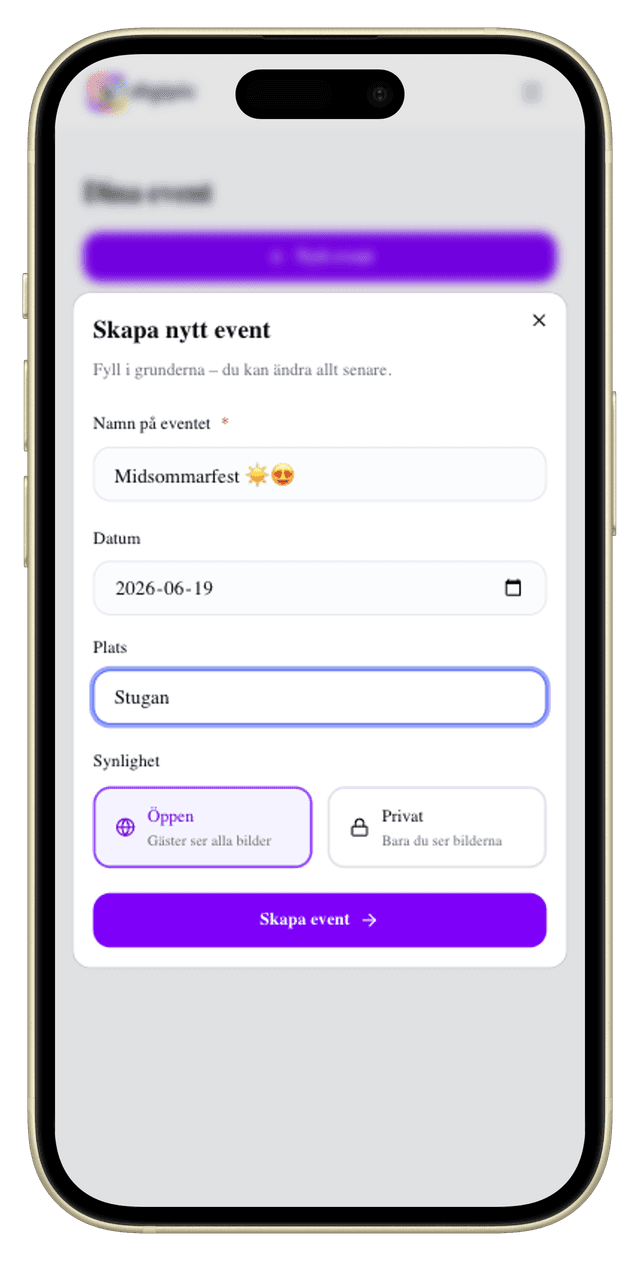
Create an event
Enter a name, date and location – click create. You can change everything later. Choose whether guests can see each other's photos or not.
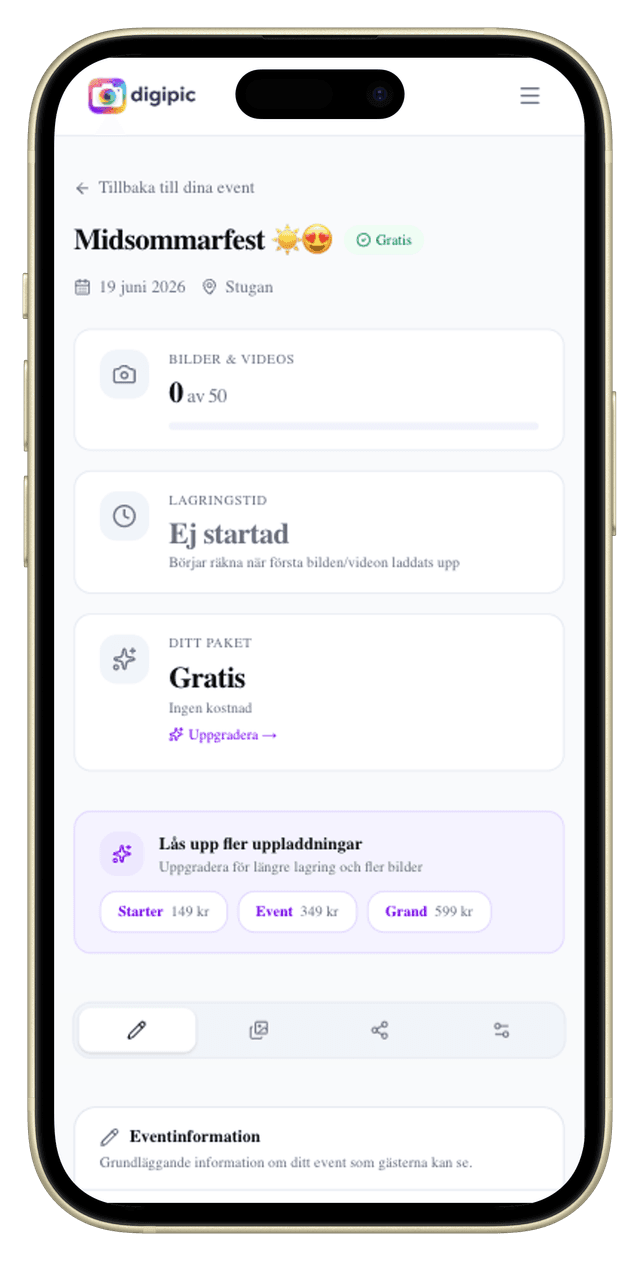
Manage your event
The event overview shows statistics, lets you manage photos, share with guests and adjust settings. Everything in one place.
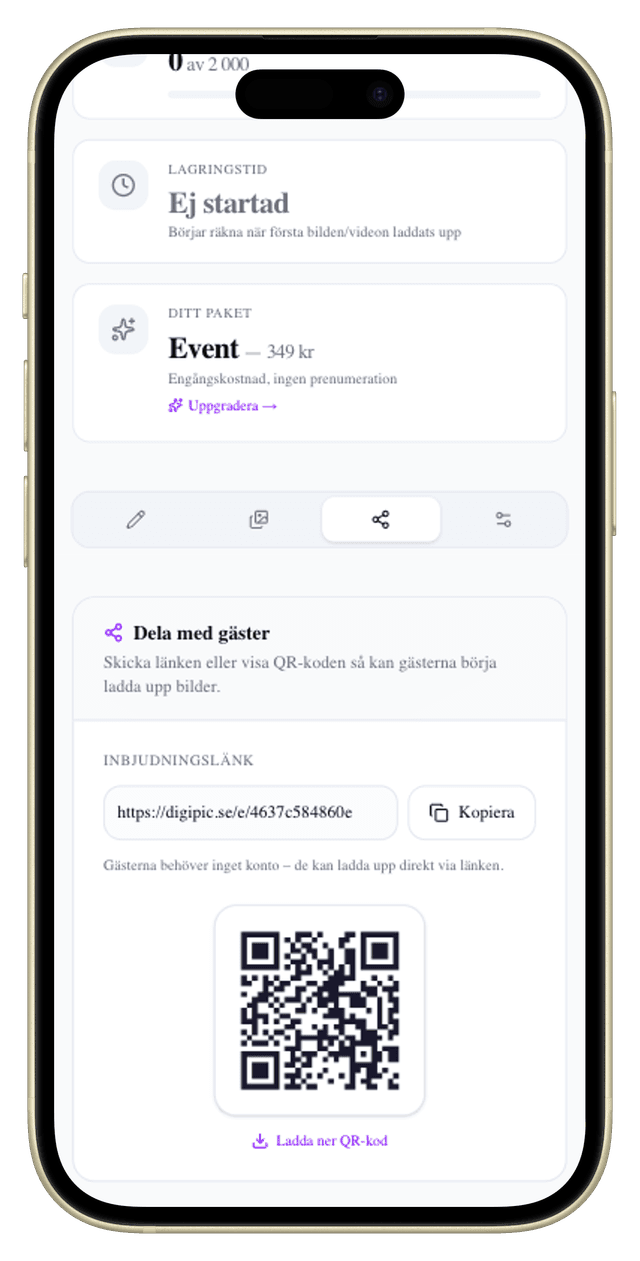
Share with your guests
Send the invite link or show the QR code at the venue. Guests don't need an account – they just open the link and start uploading.
Read the guide: share your event and print the QR code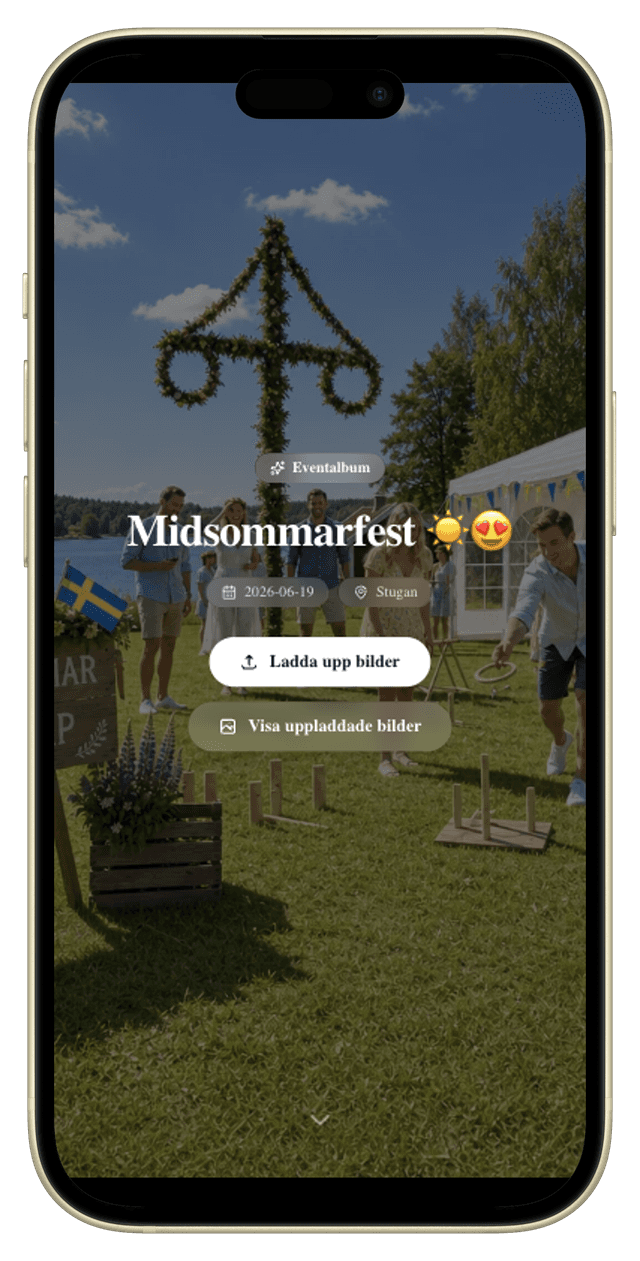
Guests upload
Guests see a simple, beautiful upload page. They enter their name, take a photo or pick files – done! Works right on their phone.
Keep reading in the guides
Deep dives into the most common steps — sharing the event, moderating photos, running the slideshow on a big screen and downloading everything afterwards.