
Collect every photo from the birthday party
30, 40, 50 or 80 — it's the same problem every time. Every guest takes photos, nobody sends them on, and the person celebrating ends up with the fewest of all. One QR code fixes it.
- Free to start
- Works for every age
- No app for guests
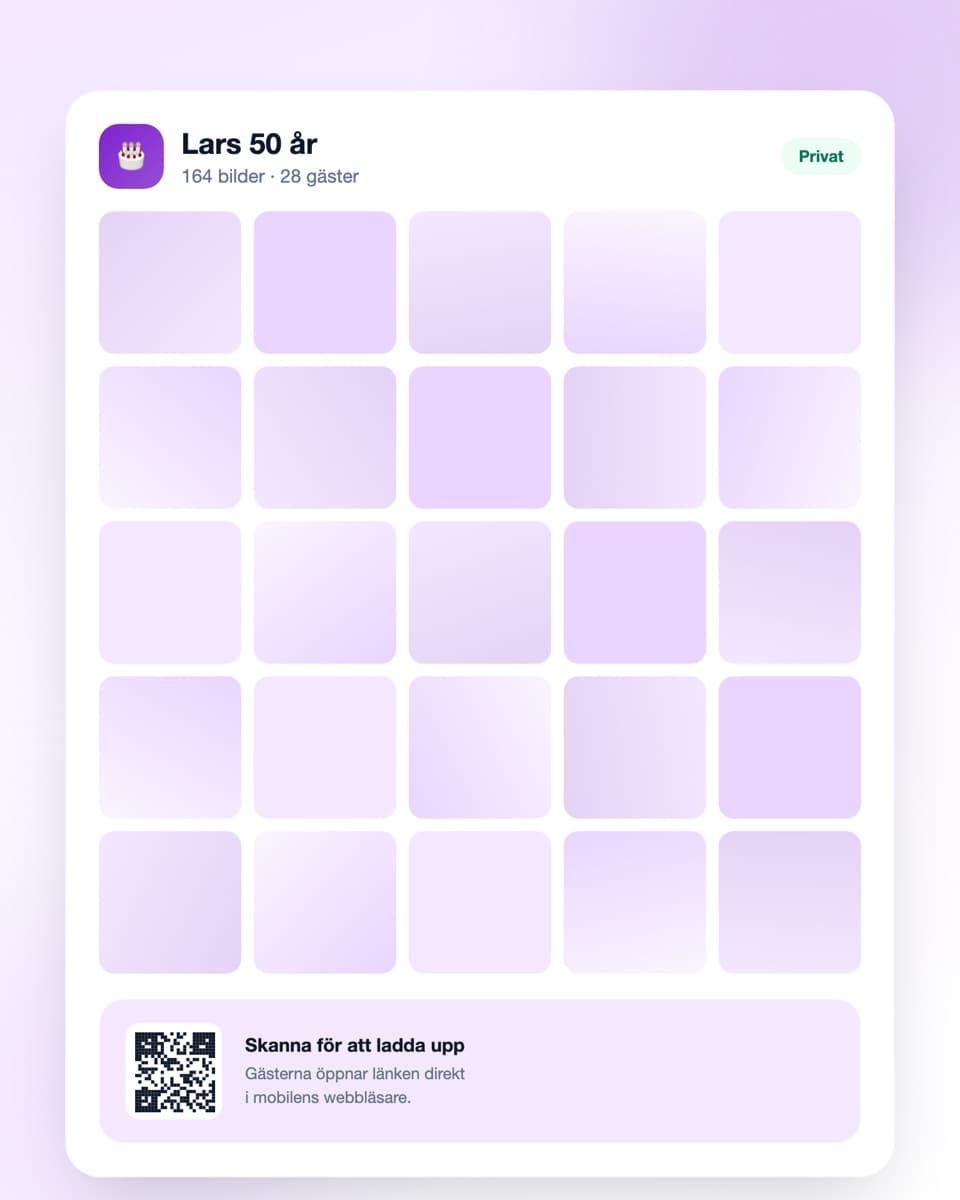
How to collect the day's photos
Three steps — done long before the cake comes out.
- Steg 1
Create the event
Sign up free and create an event. Name it after the birthday person so guests recognise it instantly. Done in under a minute.
- Steg 2
Share the QR code
Print it and put it by the plates, on the cake table or at the bar. Send the link with the invitation in advance too.
- Steg 3
Photos arrive all evening
Guests scan and upload directly. The next day the birthday person has everything collected — and can download it all at full resolution.
Works even when the guest list spans 60 years
Simple enough for everyone, from the 15-year-old cousin to the 85-year-old grandmother.
No app required
Guests open the link in their ordinary mobile browser. No installation, no account — decisive when half the room is over 70.
QR code on the tables
Print as many codes as you like and put them by the plates, on the cake table and at the bar. They all lead to the same gallery.
Everything in one place
Family, colleagues and friends are rarely in the same chat group. Here everyone's photos land in the same collection anyway.
Download everything at once
The whole collection at full resolution in one click — ideal source material for a photo book or a slideshow at the next big birthday.
Birthday photos — the person being celebrated gets the fewest
A milestone birthday brings together people who otherwise never meet. Old colleagues, cousins from the other end of the country, the neighbour from the previous house. That mixture is exactly what makes the photos valuable — and exactly why they never find their way back to one place.
The guests don't know each other — so they don't share
At a wedding there's usually one shared group. At a fiftieth there are three or four separate ones: work friends, old friends, family. They don't know each other and will never end up in the same chat.
So the photos stay in their own islands. The colleagues have funny shots from the speeches that the family never sees. The relatives have the pictures of the grandparents that the colleagues don't get. And the birthday person, the only common denominator, gets a handful from each side if they're lucky.
A surprise party needs a little planning
If the party is a surprise, the gallery mustn't give anything away in advance. Create the event and share the link only with those in on it — the person celebrating gets it on arrival, once the surprise is already over.
The nice side effect is that the preparations get documented too. Photos of the room being decorated, everyone hiding, and the moment the door opens are often the best in the whole collection, and they only exist if somebody collected them.
The photos from before the party are worth collecting too
For milestone birthdays somebody usually makes a slideshow of old photos. It's nearly always the same story: one person emails around asking for childhood pictures, three reply, the rest is forgotten.
A shared gallery works just as well for that. Open the event a few weeks early and ask family and friends to upload old photos directly. Then you have both the preparation material and the evening's photos in the same collection, without managing an email thread.
Think about the guests who aren't comfortable with technology
This is the most important point at a birthday party, more than at almost any other occasion. The age range is wide, and a solution requiring an app and an account effectively shuts out everyone above a certain age.
With a QR code the guest only has to point the phone camera at it and tap the link that appears. It's the same motion as reading a restaurant menu, which most people have done. Still, have someone younger at each table who can help — one person demonstrating once is usually enough.
Practically, before the day
Create the event a few days ahead and put the link in the invitation, so some people upload on the way there. Print the code several times and put copies by the plates rather than on one single table.
Say it out loud once, ideally alongside the speeches or as the cake arrives. Someone mentioning the gallery from the floor makes more difference than all the printouts combined. Then download the whole collection within a week or so and the originals stay with you.
Common questions about birthday photos
What organisers usually want to know.
Do guests need to download an app?
No. They scan the QR code with the phone camera or open the link in the ordinary browser. No account, no app — particularly important when the guest list spans several generations.
Does it work for older guests who aren't used to phones?
Yes, that's one of the main points. Pointing a camera at a QR code is the same motion as reading a restaurant menu. Have someone younger demonstrate once at each table and the rest tends to sort itself out.
Can we use it for a surprise party?
Yes. Share the link only with those in on it beforehand, so the person celebrating sees nothing. A tip: have guests photograph the preparations too — those shots are often among the best.
Can we collect old photos for the slideshow?
Yes, it works well. Create the event a few weeks early and ask family and friends to upload old photos straight into the gallery. No email thread to manage, and everything lands in the same collection.
Can guests upload video?
Yes, both photos and video clips. The speeches and songs are often what you most want to keep, and they work poorly as stills.
How long are the photos kept?
The free plan keeps them 30 days, paid plans longer — up to a year. Download the whole collection before the time runs out if you're planning a photo book.
What does it cost?
Getting started is free. The free plan covers a smaller party (up to 50 uploads). For a bigger milestone birthday there are plans with more uploads and longer storage, and you can upgrade mid-evening.
Before the day
A little more on how it works and what it costs.
Ready to collect the birthday photos?
Create the event free today. No credit card, no fuss — done in under a minute.