
Collect every photo from graduation
The ceremony, the certificate, the group shot with your course and the dinner afterwards. Family sit at the back, coursemates stand closest — and nobody has the whole day. One QR code collects all of it.
- Free to start
- No credit card
- No app for guests
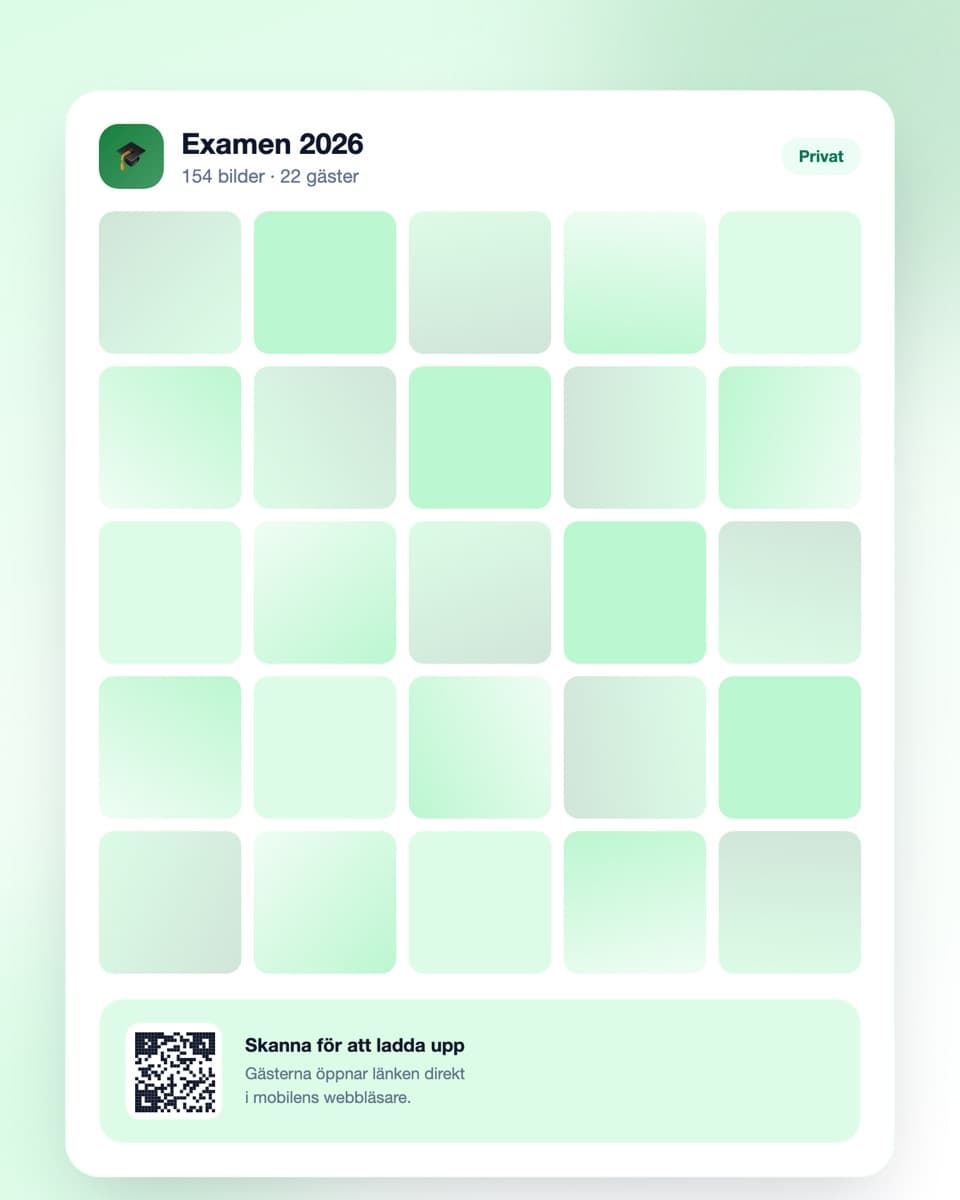
How to collect the graduation photos
Three steps — sorted before the ceremony starts.
- Steg 1
Create the event
Sign up free and create an event for the graduation. Include the name, programme and year so everyone recognises it. Done in under a minute.
- Steg 2
Share the QR code
Send the link to the family and the course group in advance, and bring a printed code to the dinner afterwards.
- Steg 3
Photos arrive all day
From the ceremony to the evening dinner. Afterwards you download everything at full resolution in one click.
Made for a day with two separate groups
The course and the family in one gallery, without anyone needing an app.
No app required
Guests open the link in their mobile browser and upload right away. No installation, no account.
QR code or link
Send the link to the course group and the family in advance, and bring a printed code to the dinner. It all leads to the same gallery.
Everything in one place
Coursemates and family are never in the same chat. Here both groups' photos land in the same collection.
Download everything at once
The whole day at full resolution in one click — including the photos you never had a chance to take.
Graduation photos — you're on stage and you see nothing
A graduation ceremony is short, formal and hard to photograph for anyone taking part in it. The person the day is about gets the least documentation of it, for the usual reason: they're busy being in it.
Family sit too far back, the course stands too close
At a graduation the seating is fixed in advance. Family sit wherever they could get in, often at the back, photographing a small figure in a gown on a stage. Coursemates, by contrast, are standing right there in the queue and have the close shots — the expression just before, the handshake, the laugh afterwards.
Both sets are needed to describe the day. But family and course share no channel, and after the ceremony everyone scatters. Without a shared place to put the photos, the two perspectives never meet.
The course group dissolves right after graduation
This is what makes graduation different from most occasions. The course group on Messenger or WhatsApp has served its purpose once the programme ends. Within a few months it's silent, and within a year half the group has left it.
Photos posted there effectively disappear with it. A separate gallery that doesn't depend on a chat group surviving is therefore worth more here than almost anywhere else — it's the only form in which the photos remain once the class has spread across the country.
The dinner is where the photos you'll actually revisit happen
The ceremony produces the formal photos: the certificate, the cap toss, the group shot. They matter, but they're rarely the ones you return to.
The photos that mean something later come from the dinner afterwards — speeches that run longer than planned, people laughing at something nobody remembers, the last picture before everyone goes home. Have a printed QR code on the table there, and mention it when the speeches start.
Collect from both sides in advance
Practically this means two messages, not one. Send the link in the course group while it's still active, and send it separately to the family — they won't find it anywhere else.
Do both before the ceremony, not after. Afterwards everyone is busy moving, starting work or travelling, and a link that arrives in July gets opened by nobody.
Download while it still feels current
Getting started is free, and the free plan covers a smaller celebration. For a bigger graduation dinner there are plans with more uploads and longer storage.
Download the whole collection within a month or so. Graduation photos are the kind of material you don't look at for years and then suddenly want — and at that point they should be in your own folder, not dependent on an account you've forgotten.
Common questions about graduation photos
What usually comes up.
Do guests need to download an app?
No. They scan the QR code or open the link in the ordinary browser. No account, no app — practical when both coursemates and older relatives need to contribute.
How do we get photos from both family and the course?
Send the link twice: once in the course group while it's still active, and once separately to the family. They won't find it anywhere else. Do both before the ceremony.
Does it work if the ceremony is in a large venue?
Yes. Guests only need a connection when they upload, not when they take the photo. If reception is poor in the hall, uploading during dinner or at home in the evening works just as well.
Can guests upload video?
Yes, both photo and video. The speeches and the cap toss are typical examples of things that work poorly as stills.
What happens to the photos when the course group goes quiet?
That's exactly the point of a separate gallery. The photos aren't sitting in a chat group that gets emptied or abandoned — they stay in the event, and you can download everything at full resolution whenever you like.
How long are the photos kept?
The free plan keeps them 30 days, paid plans longer — up to a year. Download the collection within a month or so and the originals stay with you.
What does it cost?
Getting started is free. The free plan covers a smaller celebration (up to 50 uploads). For a bigger graduation dinner there are plans with more uploads and longer storage.
Before the day
A little more on how it works and what it costs.
Ready to collect the graduation photos?
Create the event free today. No credit card, no fuss — done in under a minute.