
A shared memory album — photos from everyone who wants to share
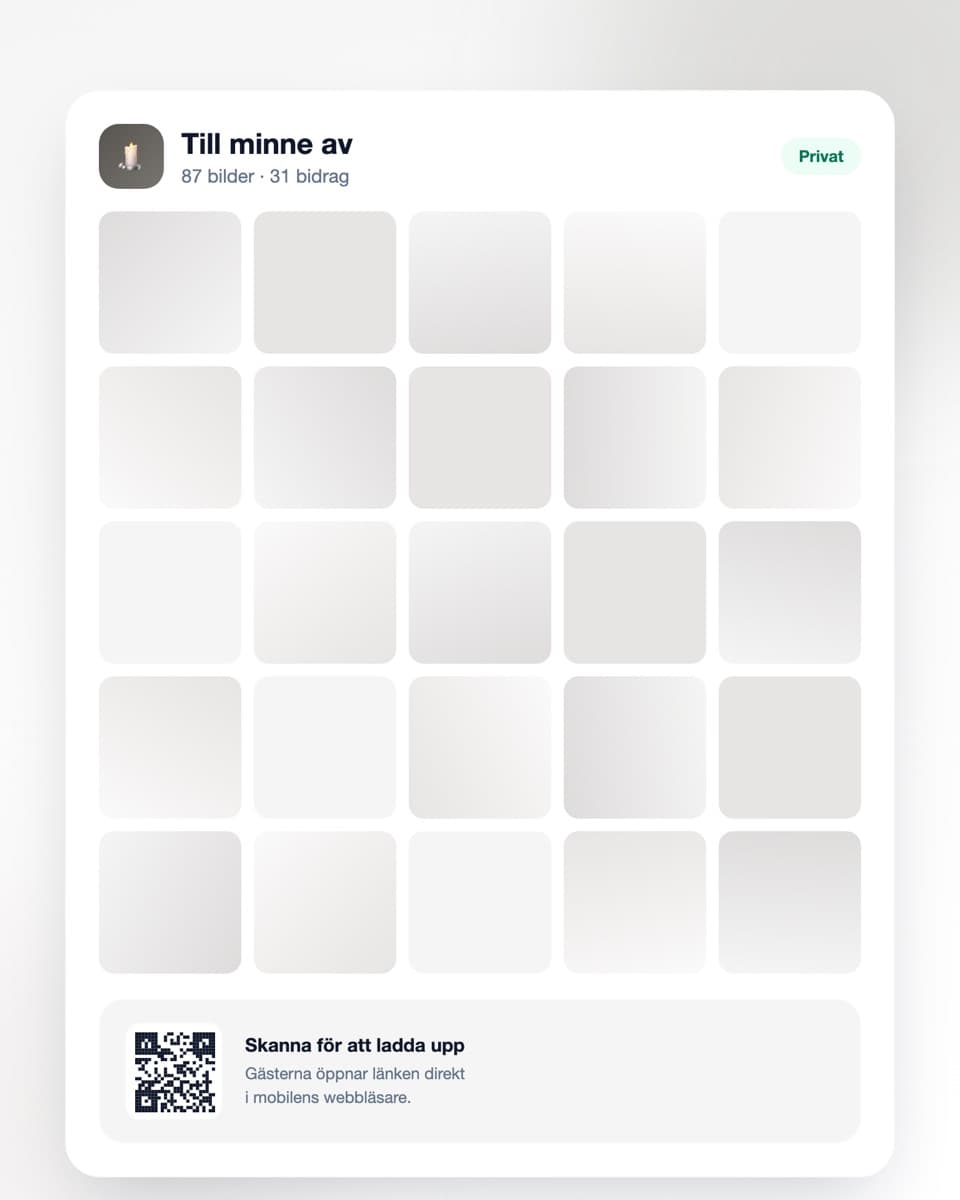
Many people hold photographs the family has never seen. With one link, relatives, friends and colleagues can add them to a shared, private album — before the memorial, or quietly afterwards.
- Free to start
- Private album
- No app to contribute
How to collect the photos
Three simple steps, at whatever pace suits you.
- Steg 1
Create the album
Sign up free and create an album in their name. It takes under a minute and needs no preparation.
- Steg 2
Share the link
Send the link to family, friends and colleagues — in an email, a group chat, or alongside the invitation to the memorial.
- Steg 3
Photos arrive at their own pace
Each person contributes when they feel able. The album stays open, and you can download everything at full resolution whenever you wish.
Made to be simple when there is little energy to spare
No accounts, no technology to learn.
No app required
Anyone wishing to contribute opens the link in their ordinary phone or computer browser. No account, no installation — which matters when many of them are older.
Share with a link or QR code
Send the link in an email, or place a printed QR code on the memory table. Both lead to the same album.
Private album
The album is not in any public feed and is not indexed by search engines. Only those you share the link with can reach it.
Download everything
The whole collection at full resolution in one click — a basis for a printed memory album or simply to keep in the family.
Gathering memories from many places
When someone has died it often becomes clear how many different lives one person has led. Colleagues have photographs the family has never seen. Neighbours have one from the garden twenty years ago. The sports club has a team photo. Each person assumes their photo is the only one, and so it rarely surfaces.
The photographs are scattered among many people
A family's own albums cover part of a life, but far from all of it. The years at a workplace, in a club, a circle of friends the family only knew at a distance — there are photographs from all of it, but they sit with other people.
Usually a few surface around the funeral: someone brings an envelope, someone else sends a picture by text. The rest never appears — not because anyone is keeping it to themselves, but because there is nowhere to put it.
Somewhere to contribute, without having to intrude
For many who were close to the person without being family, it is hard to know what to do. Phoning to offer photographs can feel intrusive at a time when you know the family has a great deal to manage.
A link resolves that. Anyone with a photograph can add it, whenever it suits them, without having to make contact or ask for anything. And the family can look at them when they feel able, rather than answering twenty messages during the hardest week.
Before the memorial, or afterwards
Some choose to gather photographs in advance, to show a slideshow or put together a memory table at the service. In that case it helps to send the link with the invitation, a few days ahead.
Others prefer to leave the album open afterwards instead, as somewhere memories can continue to be added over the following months. Both work, and there is no right way — it depends entirely on what feels reasonable to you.
The album is private
Photographs of this kind do not belong in a public feed. The album is not public, is not indexed by search engines, and is reachable only by those you have shared the link with.
You can remove individual photographs at any time, and you decide how long the album remains. If you want to keep the material permanently, you can download the whole collection at full resolution and save it wherever you keep things that matter.
If you would rather someone else handled it
It does not have to be the closest relative who manages this. It is often easier if a niece or nephew, a friend, or someone standing a little further back creates the album and sends out the link.
Getting started is free and requires no payment details. If you need longer storage there are paid plans, but if you simply want to be sure the photographs are kept, the simplest thing is to download the whole collection once new ones stop arriving.
Common questions
If you are wondering about anything practical.
Do contributors need to download an app?
No. They open the link in their ordinary phone or computer browser and upload from there. No account, no app — which matters when many of those wishing to contribute are older.
Is the album private?
Yes. It is not in any public feed, is not indexed by search engines, and is reachable only by those you have shared the link with. You can remove individual photographs at any time.
Should we gather photos before or after the memorial?
Both work. If you would like to show a slideshow or make a memory table, it helps to send the link a few days beforehand. Others leave the album open afterwards instead, as somewhere memories can continue to be added. There is no right way.
Can someone other than the closest relative manage it?
Yes, and it is often easier that way. A niece or nephew, a friend, or someone standing a little further back can create the album and send out the link, so the person grieving most closely does not have to handle the practicalities.
Can people upload old, scanned photographs?
Yes. Many contributions are photographs of prints — simply taking a picture of the photograph with a phone and uploading that works perfectly well.
How long do the photographs remain?
The free plan keeps them 30 days, paid plans longer. If you want to keep the material permanently, the simplest thing is to download the whole collection at full resolution once new photographs stop arriving.
What does it cost?
Getting started is free and requires no payment details. If you need more uploads or longer storage there are paid plans, but for most people the free plan together with a download is enough.
If you would like to know more
A little more on how it works.
Create a shared memory album
It is free to begin and requires no payment details. You can share the link whenever you feel ready.