
Collect every photo from the party — in one place
Every parent is holding up a phone, and every parent goes home with only their own photos. One QR code puts them all in the same private gallery — and you, running the party, don't have to photograph and serve at once.
- Free to start
- Private gallery
- No app for parents
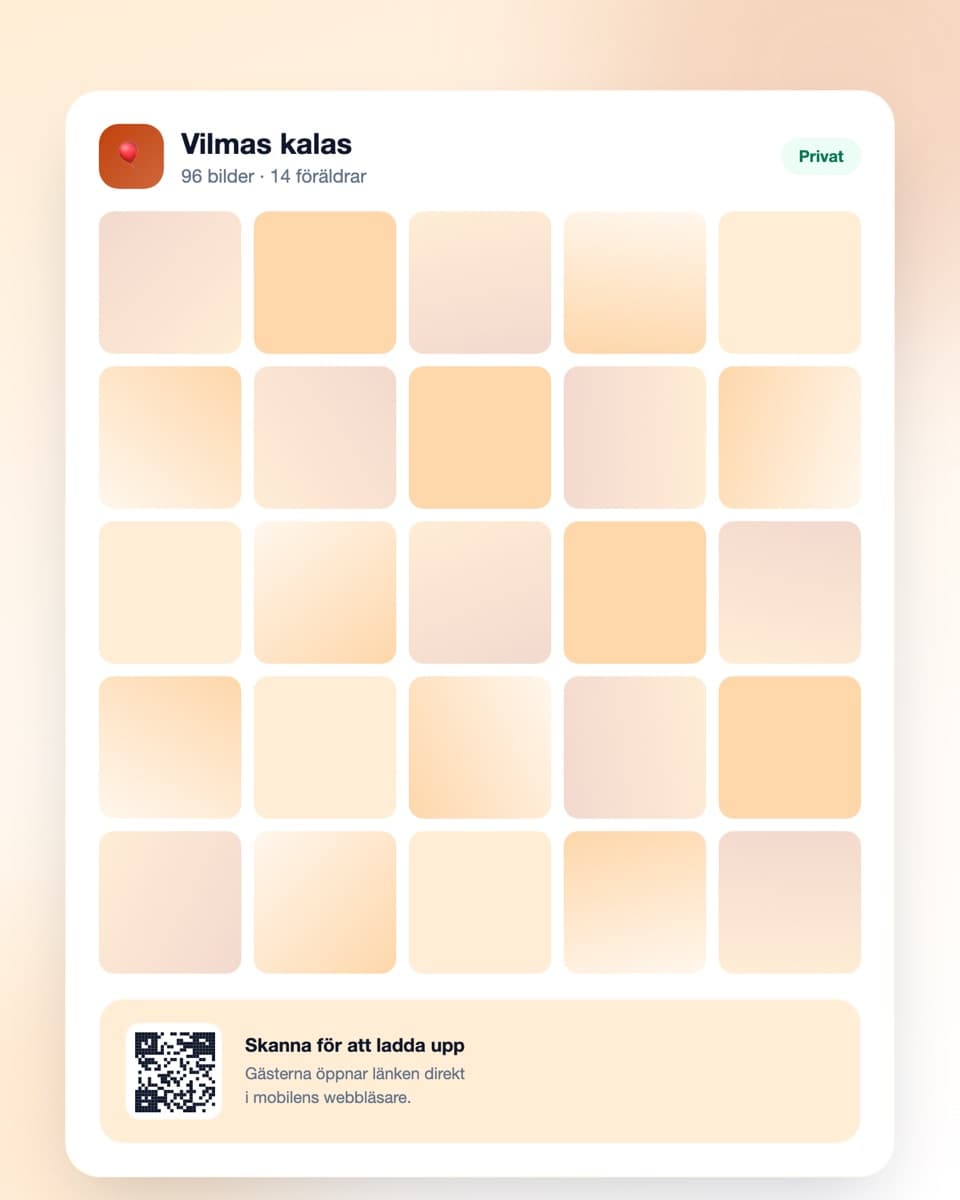
How to collect the party photos
Three steps — done before the first guest rings the bell.
- Steg 1
Create the event
Sign up free and create an event. Name it after the child so parents know instantly what it is. Done in under a minute.
- Steg 2
Share the QR code
Print it and put it by the cake table or in the hallway where parents collect. Send the link to the class group beforehand too.
- Steg 3
Photos arrive automatically
Parents scan and upload directly. Afterwards you have them all collected — and can share the gallery with everyone who came.
Suited to two hours of controlled chaos
Nobody should be wrestling with technology mid cake-service.
No app required
Parents open the link in their mobile browser and upload right away. No account, no installation, no question in the class group about how it works.
QR code in the hallway
Put the code where parents actually stop: by the cake table and in the hallway at pickup. Every code leads to the same gallery.
Private gallery
Photos of children shouldn't sit in a public feed. The gallery is reachable only by people with the link, and you can delete anything at any time.
Download everything at once
The whole collection at full resolution in one click — and you can pass the link on to the other parents.
Party photos — everyone's children, everyone's pictures
A children's party lasts two hours and contains roughly forty moments worth keeping. Whoever is hosting catches three of them, because they're simultaneously lighting candles, cutting cake and locating a missing shoe.
The host has no time to take photos
That's the practical core of it. For the two hours the party runs you are fully occupied: keeping a game going, serving, comforting someone who got upset, and getting the cake in while everyone is still sitting down.
Meanwhile the other parents are standing at the edge with their phones up, photographing everything. They have the shot of your child blowing out the candles. You have a blurry one from behind, taken just as you reached for the matches.
Parents want each other's photos but rarely ask
Everyone wants pictures of their own child, and everyone has pictures of somebody else's. Yet almost nothing happens — it feels intrusive to ask a parent you barely know to send over twenty photos, and more awkward still to be the one sending them unprompted.
A shared gallery removes the whole social negotiation. Everyone adds theirs, everyone gets access to all of it, nobody has to ask anyone for anything. It's also a noticeably nicer gesture than posting into a class group half the parents aren't in.
Photos of other people's children — settle it before, not after
This is the question that makes parents most uncertain, and it's worth deciding before the party. Some families don't want photos of their child on social media at all, and that's an entirely reasonable position.
The Digipic gallery is private: it isn't in any public feed, isn't indexed by search engines, and is reachable only by someone with the link. That makes it a safer place than an open Facebook group or an Instagram post.
Still, write one line in the invitation: that you're collecting the photos in a shared gallery for the parents, and that they won't be posted on social media. Almost everyone appreciates somebody saying it first, and the parent who'd rather opt out doesn't have to feel difficult.
The party ends in the hallway — put the code there
The most common mistake is putting the code on a table the children occupy for the entire party. The parents never get near it.
Put a code in the hallway instead, at eye level, where parents stand waiting with coats over their arms at pickup. It's the only moment in the whole party when their hands are free and they have ten seconds spare. A code by the cake table is a good complement, since that's where most photos are taken.
Afterwards: share and download
Send the gallery link to the class group or the parents the next day. Many upload only then, going through the camera roll — and a reminder often produces as many photos as the party itself.
Getting started is free and the free plan comfortably covers an ordinary party. Download the whole collection within a week or so and you keep the originals at full resolution, however long the gallery stays up.
Common questions about kids' party photos
What parents usually want to know.
Do parents need to download an app?
No. They scan the QR code with the phone camera or open the link in the ordinary browser. No account, no app — decisive when it has to happen in ten seconds in a hallway full of coats.
Is it safe for photos of children?
The gallery is private: not in any public feed, not indexed by search engines, and reachable only by someone with the link. You can also delete individual photos or the whole event whenever you like. It's a considerably safer option than an open social media group.
How do I say photos shouldn't go on social media?
Put a line in the invitation saying you're collecting photos in a shared, private gallery for the parents and that they won't be posted on social media. Almost everyone appreciates somebody raising it, and any parent who'd rather opt out doesn't have to feel difficult.
Where should I put the QR code?
In the hallway at eye level, where parents stand at pickup — the only moment their hands are free. Add one by the cake table, since that's where most photos are taken.
Can I share the gallery with the other parents afterwards?
Yes. Send the link to the class group the next day. Many upload only then, once they've gone through their camera roll properly.
How long are the photos kept?
The free plan keeps them 30 days, paid plans longer. Download the whole collection within a week or so and you keep the originals regardless.
What does it cost for a children's party?
Getting started is free, and the free plan comfortably covers an ordinary party (up to 50 uploads). For a larger party there are plans with more uploads and longer storage.
Before the party
A little more on how it works and what it costs.
Ready to collect the party photos?
Create the event free today. No credit card, no fuss — done in under a minute.