
Collect every photo from the baby shower
The person being celebrated should be sitting on the sofa being looked after, not collecting photos afterwards. One QR code on the table is enough — every guest's photos land in a private gallery you hand over once the day is done.
- Free to start
- Private gallery
- No app for guests
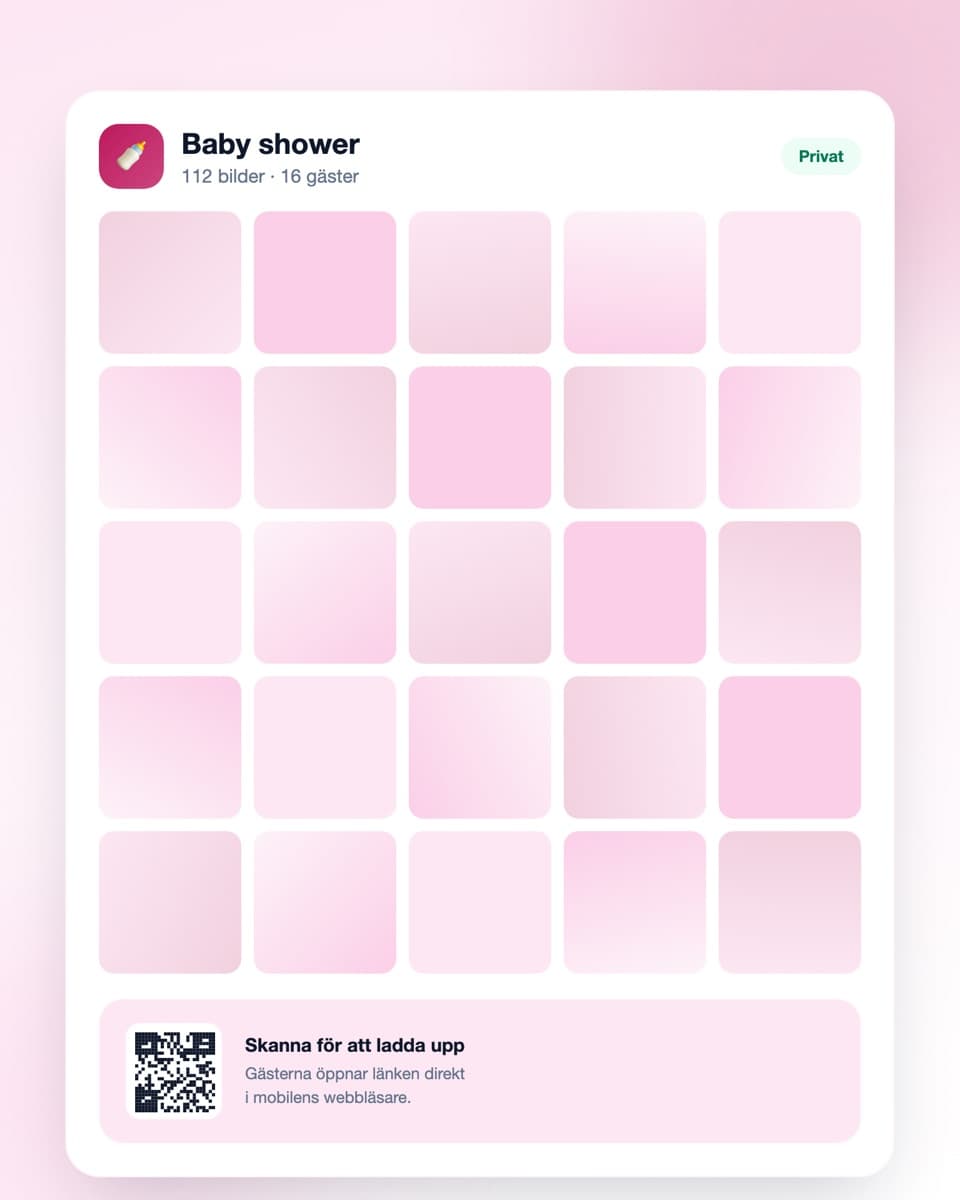
How to collect the photos
Three steps — sorted before the guests arrive.
- Steg 1
Create the event
Sign up free and create an event for the baby shower. Done in under a minute — ideally as you send the invitations.
- Steg 2
Share the QR code
Print it and put it on the table or by the gifts. Send the link to the guest group beforehand too.
- Steg 3
Hand the gallery over afterwards
Guests upload straight from their phones. Afterwards you share the link with the parents-to-be — the whole day collected, as a gift.
Made for a calm afternoon with many cameras
Simple for guests, safe for the photos.
No app required
Guests open the link in their mobile browser and upload right away. No account, no installation.
QR code on the table
Put the code where guests sit and where the gifts are opened. Every code leads to the same gallery.
Private gallery
The photos never sit in a public feed. Only someone with the link can reach them, and you decide what stays.
Download everything at once
The whole afternoon at full resolution in one click — the album started before the baby has even arrived.
Baby shower — the guest of honour shouldn't have to organise anything
A baby shower is nearly always planned by someone other than the person being celebrated, and that's the whole point. The same logic should apply to the photos: someone heavily pregnant sitting in the middle of the sofa shouldn't have to ask fifteen people to send over pictures the following week.
The photos of the guest of honour are with everyone but her
At a baby shower the person being celebrated is the focus of everyone's camera. Guests photograph the gifts being opened, the bump being measured, the cake arriving. There are hundreds of photos after one afternoon.
But they're on the guests' phones. The guest of honour herself has almost none — she was in the middle the whole time. If nobody gathers them she effectively sees a handful, sent across various chats over the following weeks, and never the rest.
It's the organiser's gift, not another task
If several of you are planning together: set the event up in the planning group and share the link only with the guests. The gallery then becomes something you hand over, not something the guest of honour has to administer.
Sending the link that same evening, with all the afternoon's photos already collected, is a way to close the day that costs nothing and lands better than you'd expect.
Bump photos are more private than most
Many parents-to-be are comfortable with photos inside a closed circle but definitely don't want them on social media. The pregnancy may not even be common knowledge at work yet, and a photo in someone's feed can announce something before they've had the chance to.
The Digipic gallery is private: not in any public feed, not indexed by search engines, reachable only by someone with the link. Still, put a line in the invitation saying photos are collected in a shared gallery and won't be posted on social media — that way nobody has to ask for it in person.
Let the gallery run on past the day
A baby shower is rarely the last time the same people gather around the same thing. Many leave the gallery open for a few weeks afterwards so guests can add photos they find going through their camera roll.
If you want to keep the photos longer — and most people do here — download the whole collection at full resolution. It's also a good basis if someone later wants to make an album of the time before the birth.
Practically, before the day
Create the event as you send the invitations and print a couple of codes. Put one on the table and one where the gifts are opened — that's where most photos are taken.
Mention the gallery once when everyone is seated, ideally before the gifts are opened. Somebody saying it out loud a single time produces more uploads than all the printouts combined. Getting started is free, and the free plan comfortably covers an ordinary baby shower.
Common questions about baby shower photos
What organisers usually want to know.
Do guests need to download an app?
No. They scan the QR code with the phone camera or open the link in the ordinary browser. No account, no app — they're up and running in seconds.
Can we surprise them with the gallery afterwards?
Yes, and it's a common approach. Create the event in the planning group, share the link only with guests, and send it to the parents-to-be that same evening once all the photos are collected.
Are the photos private?
Yes. The gallery isn't in any public feed, isn't indexed by search engines and is reachable only by someone with the link. You can also delete individual photos or the whole event whenever you like.
How do we say photos shouldn't go on social media?
Put a line in the invitation saying photos are collected in a shared, private gallery and won't be posted on social media. Many parents-to-be haven't told everyone about the pregnancy yet, and this saves them having to raise it themselves.
Can guests add photos afterwards?
Yes. The gallery stays open after the day, so guests can add photos they find going through their camera roll. Send a reminder the next day.
How long are the photos kept?
The free plan keeps them 30 days, paid plans longer. Download the whole collection at full resolution if you want to keep it for an album.
What does it cost?
Getting started is free, and the free plan comfortably covers an ordinary baby shower (up to 50 uploads). For a larger gathering there are plans with more uploads and longer storage.
Before the day
A little more on how it works and what it costs.
Ready to collect the baby shower photos?
Create the event free today. No credit card, no fuss — done in under a minute.