
Collect every company party photo — without an app
Kickoff, staff party, after work or anniversary. Everyone takes photos, but they end up in individual phones and private chats. With Digipic they land in one place you control.
- Free to start
- You own the photos
- No app for attendees
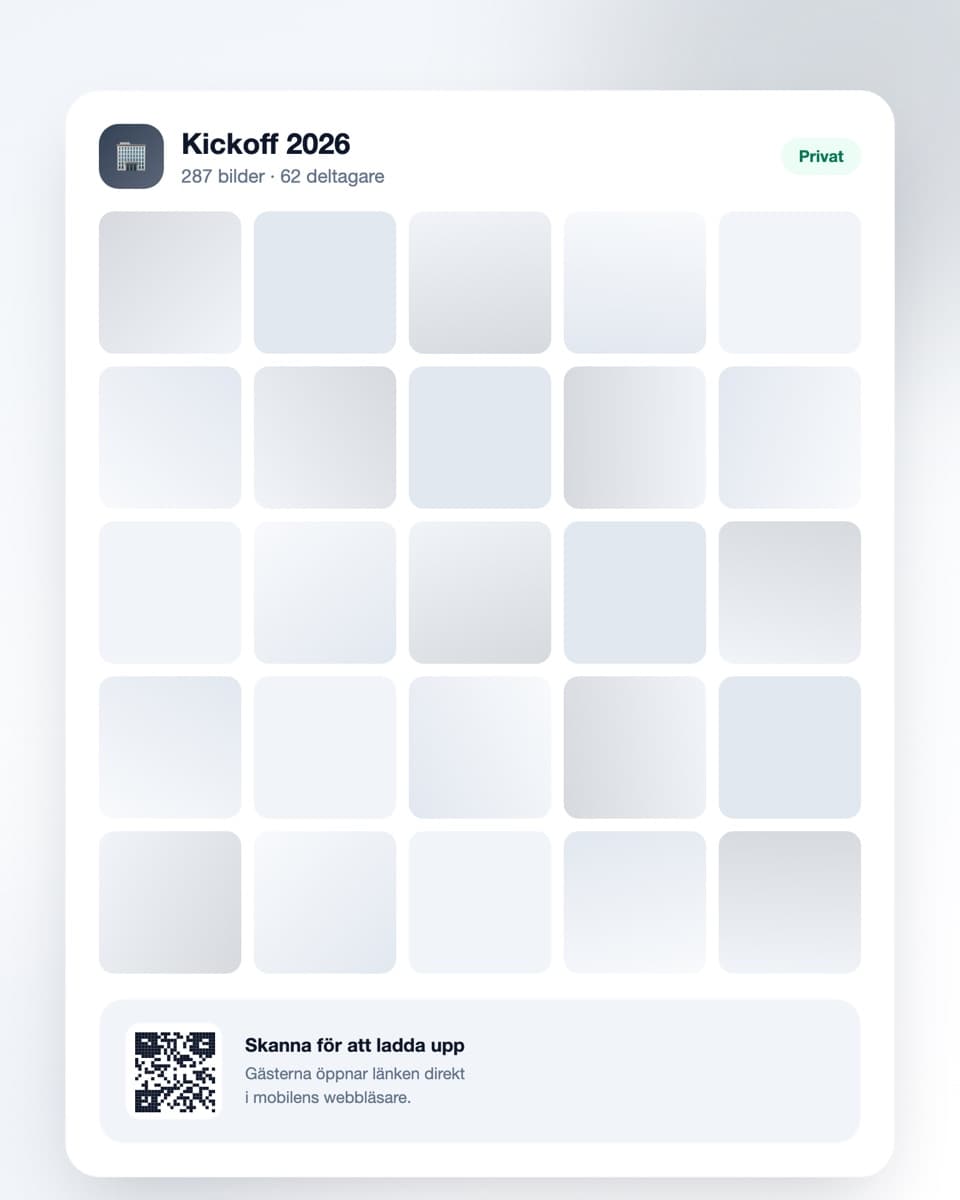
How to collect the photos
Three steps — and HR never has to chase photos afterwards.
- Steg 1
Create the event
Sign up free and create an event for the party. Include the date and company name so people recognise it. Done in under a minute.
- Steg 2
Put the QR code on the tables
Print the code and place it on the tables, at the bar or in the entrance. Add it to the Outlook invite or the intranet too.
- Steg 3
Photos arrive as the evening goes
Employees scan and upload directly. The next day you download everything — ready for the intranet, recruitment and next year's invitation.
Built to work at a corporate event
Simple for attendees, controlled for whoever organises it.
No app, no account
Nobody should have to install something on their personal phone for work. Attendees open the link in a browser and upload right away.
QR code on the tables
Print as many codes as you like and spread them across the venue. They all lead to the same gallery, so nothing splits into separate threads.
You decide who sees the photos
The gallery is private and never sits in a public feed. Turn on moderation to approve photos before everyone sees them.
Download everything at once
The whole collection at full resolution in one click — immediately usable for the intranet, newsletters and employer branding.
Company parties and photos — what HR actually needs to consider
At a staff party nearly everyone takes photos and nearly nobody shares them. They stay in individual camera rolls, in a Messenger thread half the department isn't in, or a Teams chat nobody finds again in March.
The photos exist — they're just in the wrong places
You paid for the venue, the food and perhaps a photographer. But the photos people actually look at afterwards are rarely the photographer's — they're the ones taken at the table, in the coat queue and on the dance floor at half past midnight.
Those photos exist. The problem is they're spread across fifty phones, and the only person who could gather them is someone in HR who is already fully booked. So nobody does, and an event you budgeted for leaves almost no trace.
Consent isn't red tape — it's one line in the invitation
Photos of identifiable employees are personal data, and a work party is still a work-related setting. That doesn't mean stop taking photos. It means being clear about the terms before the party rather than explaining yourself afterwards.
A single line in the invitation goes a long way: that the evening is documented in a shared gallery, that the photos are used internally, and that anyone who would rather not appear can say so. Put the same line on a sign next to the QR code.
What matters is that consent in an employment relationship has to be genuinely voluntary. Nobody should feel awkward opting out. A gallery where you can remove an individual photo on request, immediately and without debate, is what makes that principle liveable in practice.
Moderation is for everyone, not against anyone
At a party with an open bar, some photos get taken late. Most are harmless. A few are ones the person in them wouldn't choose to show the whole company.
With moderation on, uploads come to you for approval before anyone else sees them. That isn't control for its own sake — it's the difference between a gallery people enjoy and one somebody regrets on Monday.
The material is worth more than you think
A year later somebody needs a recruitment ad, a page about company culture or a deck for new joiners. That calls for photos of real people enjoying each other's company — not purchased stock.
Guest photos are often better for that than the photographer's, precisely because they're unstaged. If you have them collected and downloaded at full resolution, they're there when the need arises. If you don't, you start asking around.
Who owns the event internally?
Don't put it all on one person who is also running the party. Invite one or two co-organisers so several people can manage the gallery, approve photos and answer questions during the evening.
Practically: create the event a few days ahead, put the link in the calendar invite, and print the QR codes in good time. The free plan covers a smaller event; a party of a hundred needs a paid plan, and you can upgrade mid-evening if uploads run out.
Common questions about company party photos
What HR and organisers usually ask.
Do employees need to install an app?
No, and that matters. Many people don't want work-related apps on their personal phone. Attendees scan the QR code with the phone camera and upload in the ordinary browser — no account, no installation.
What does GDPR require when we collect photos of staff?
Photos of identifiable people are personal data. Be clear in advance that the evening is being documented, what the photos will be used for and how to opt out. Because consent in an employment relationship must be genuinely voluntary, it's important that opting out is easy — and that you remove a photo immediately if someone asks.
Can we approve photos before everyone sees them?
Yes. With moderation on, every upload comes to you for review before it becomes visible to other attendees. At a party with a bar it's usually worth having on.
Who owns the uploaded photos?
You keep control of the material in your event and can download everything at full resolution. Digipic makes no claim to the photos. If you want to use them externally, in marketing for instance, you still need the individuals' agreement — that follows from data protection rules, not from us.
Can several people from HR administer the same event?
Yes. Invite co-organisers so more people can manage the gallery, approve photos and answer questions. Useful when whoever created the event is busy running the evening.
How long are the photos kept?
The free plan keeps them 30 days, paid plans longer — up to a year. Download the whole collection before the time runs out and the originals stay with you regardless.
What does it cost for a corporate event?
Getting started is free. The free plan covers smaller gatherings (up to 50 uploads). A party of fifty to a few hundred needs a paid plan with more uploads and longer storage — see pricing for current tiers. You can upgrade mid-evening if you run out.
Before the event
A little more on how it works and what it costs.
Ready to collect the photos from the company party?
Create the event free today. No credit card, no procurement — done in under a minute.