
Collect every photo from the trip — the whole group's
You were in the same place for a week and came home with five separate photo archives. With Digipic everyone's photos land in one shared gallery — at full resolution, not as compressed chat copies.
- Free to start
- Full resolution
- No app for the group
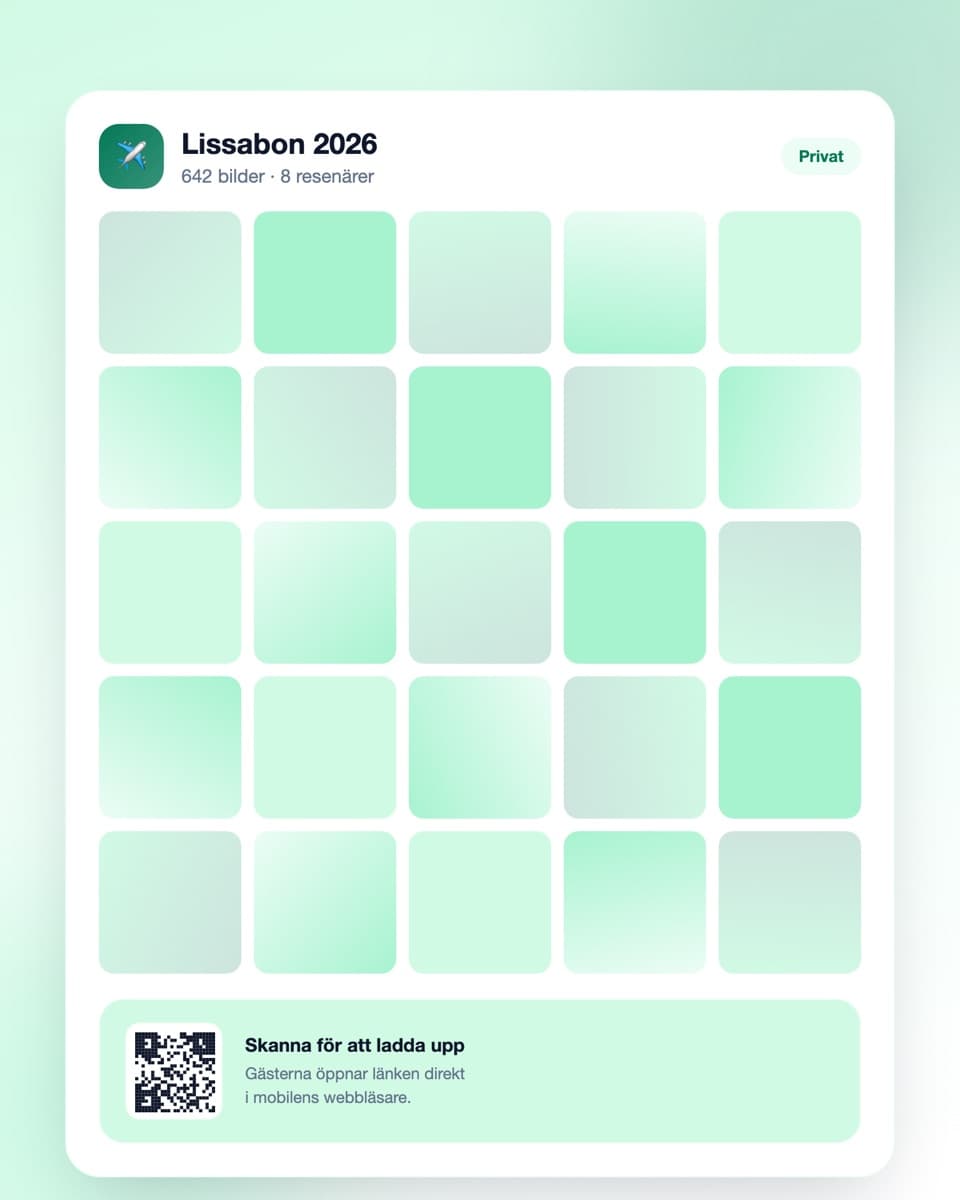
How to collect the trip photos
Three steps — set it up before you leave.
- Steg 1
Create the event before departure
Sign up free and create an event for the trip. Name it after the destination and year. Done in under a minute.
- Steg 2
Share the link in the group chat
Send the link before you go. Everyone then has it on their phone from day one and can upload as they travel.
- Steg 3
Upload as you go
Each person uploads whenever it suits — on the flight home, at the hotel or afterwards. Then everyone downloads everything.
Built for a group on the move
Works even when the connection is unreliable.
No app required
Everyone opens the link in their mobile browser and uploads right away. No installation, no account, nothing to sort out in an airport.
Upload whenever it suits
The gallery stays open throughout the trip and afterwards. Upload on hotel wifi, on the flight home or once you've unpacked.
Full resolution
Photos keep their quality instead of being compressed to pieces as in a group chat. You notice the difference the first time someone wants a print.
Everyone downloads everything
The whole trip at full resolution in one click — each person in the group gets the entire collection, not just their own photos.
Trip photos — the same journey, five different archives
The odd thing about a group trip is that everyone was in exactly the same places at the same time, and yet goes home with entirely different documentation of it. Nobody has the whole trip. Everyone has a fifth of it.
You photographed different things without noticing
One person in the group photographs food. Another takes pictures of buildings and views. A third takes almost nothing but photos of people, and is therefore the only one with pictures of the rest of you.
That last category is precisely what's missing from everyone's archive. You have three hundred photos from the trip and appear in four of them. Whoever took the rest of the photos of you had them all along — but never sent on more than a handful.
The group chat ruins the photos
The default solution is sending photos to the trip chat. That works for looking at things in the moment and almost not at all for anything else. Photos get heavily compressed, so what looks fine on a phone screen is unusable if someone wants a print or a photo book.
They also disappear. Six months later the chat is full of other things, and nobody scrolls back through a thousand messages to find the photo from that one evening. A gallery where the photos stay at original quality solves both problems.
Create the event before you leave
This is the one practical detail that decides whether it happens at all. If you create the gallery after getting home, roughly half the group will never upload anything — the trip is over, everyone's back in ordinary life and the motivation has gone.
If you send the link to the group chat before departure, everyone has it on their phone from day one. Many then upload as they go, in the evening at the hotel, which produces more material and spreads out the work.
The connection is rarely good, and it doesn't matter
Travelling, the network is unreliable: expensive roaming, slow hotel wifi, no coverage at all in the mountains. That's no obstacle, because you only need a connection at the moment of upload, not when the photo is taken.
A common pattern is everyone uploading once each evening at the hotel, or all at once on the way home using airport wifi. The gallery stays open and accepts photos just as happily a week later.
Download while everyone still cares
Tell the group to download the whole collection within a couple of weeks of getting home. Then everyone has the entire trip at full resolution in their own folder, independent of accounts and storage periods.
Getting started is free and the free plan covers a shorter trip with a few people. For a longer trip or a bigger group there are plans with more uploads and longer storage.
Common questions about trip photos
What groups usually want to know.
Does everyone in the group need to download an app?
No. Everyone opens the link in their ordinary mobile browser and uploads right away. No account, no installation — practical when you're abroad and nobody wants to deal with app stores.
Does it work with a poor connection abroad?
Yes. You only need a connection when uploading, not when taking photos. Many upload once each evening on hotel wifi, or all at once at the airport on the way home.
When should we create the event?
Before departure. It's the single most important detail — if you only create the gallery after getting home, roughly half the group never uploads anything. Send the link to the trip chat before you go.
Do the photos keep their quality?
Yes. Photos upload at their original quality and can be downloaded at full resolution. That's the big difference from passing photos around a group chat, where they're heavily compressed.
Can everyone in the group download the whole collection?
Yes. Anyone with access to the gallery can download everything — not just their own photos. That's usually the entire point of collecting them.
Can we upload video?
Yes, both photo and video. Handy when travelling, where a short clip often says more about a place than a still does.
How long are the photos kept?
The free plan keeps them 30 days, paid plans longer — up to a year. Tell the group to download everything within a couple of weeks of getting home.
Before you travel
A little more on how it works and what it costs.
Ready to collect the photos from the trip?
Create the event free today — ideally before you leave. Done in under a minute.