
Collect conference photos from every attendee
A photographer can only stand in one place. Your attendees are everywhere. Let them contribute their photos via QR code — from the keynote, the workshops, the booth and the networking.
- Free to start
- No app for attendees
- Everything in one place
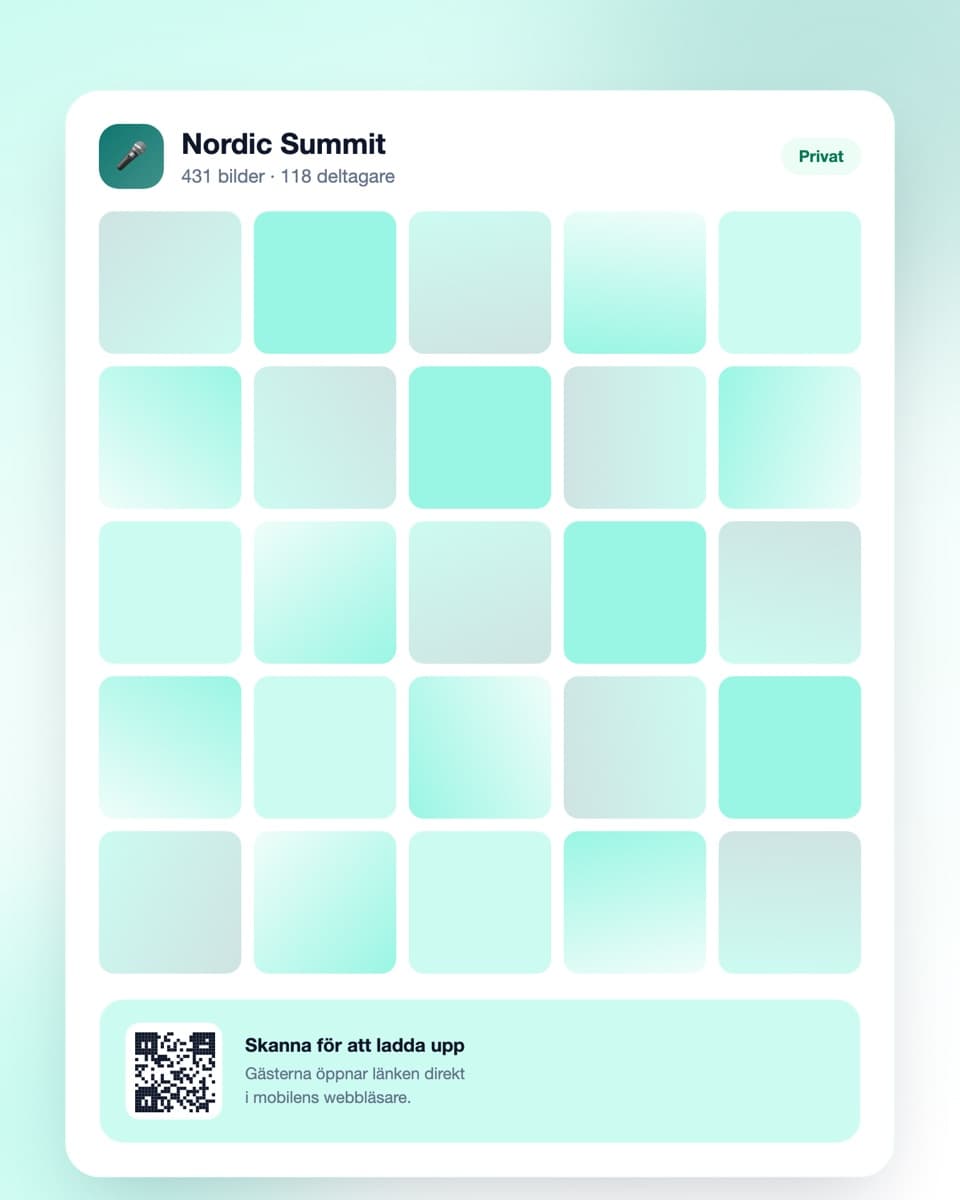
How to collect attendee photos
Three steps — done before registration opens.
- Steg 1
Create the event
Sign up free and create an event for the conference. Name it so attendees recognise it instantly. Done in under a minute.
- Steg 2
Spread the QR code
Put it on the slides between sessions, on the badge, on table cards in the break area and in the attendee mailing. Every code leads to the same gallery.
- Steg 3
Photos arrive throughout
Attendees upload during the day. You get material from every parallel track — and can download it all at full resolution right afterwards.
Made for events with many parallel tracks
Low friction for attendees, usable material for you.
No app required
Attendees scan and upload in the browser. No installation, no account — critical when people are on site for a few hours.
QR code on slides and badges
Show the code between sessions, print it on the badge or put it on tables in the break area. Every entry point leads to the same gallery.
Private gallery
The photos are not public. You decide who has access, and can moderate before anything is visible to all attendees.
Download everything at once
The whole collection at full resolution in one click — ready for the follow-up email, LinkedIn and next year's sales material.
Conference photos — the attendee perspective is what you're missing
Most conferences are documented by a hired photographer for a few hours, or not at all. Both leave the same gap: you get photos from wherever the camera happened to be, not from the conference as attendees actually experienced it.
A photographer can't be in four places at once
With parallel tracks the problem is obvious. The photographer is in the main hall during the keynote. Meanwhile three workshops are running, there's a demo at the booth, and the real networking is happening in the break area — where the business gets done.
Attendees, by contrast, are everywhere, all the time, with cameras in their pockets. They photograph a slide worth remembering, the person they just met, the coffee queue. That documentation describes what the day was actually like, and it normally gets thrown away.
The material is worth most immediately afterwards
The follow-up email that goes out the next day decides whether the conference lives on. An email with twenty photos from the day gets opened and saved. An email with just a link to the slides does not.
Same on LinkedIn. Attendees happily share photos they recognise themselves in — but only while the feeling is still fresh. If the photos sit with a photographer who delivers in three weeks, the moment has passed.
With a shared gallery you can download everything the same evening and have the material ready before attendees have got home.
Next year's marketing starts here
When you sell the next edition you need to show last year was worth attending. That isn't done with a logo and an agenda — it's done with photos of a full room, engaged conversations and people who look like they're enjoying themselves.
That kind of photo is hard to commission after the fact. Either you have it or you don't. A shared gallery is the cheapest insurance against arriving empty-handed at next year's planning.
Be clear about the terms
Attendees come from other organisations, and some would rather not appear in photos — especially if the material might be used in marketing. So state in the attendee information that the event is documented in a shared gallery, what the photos are used for, and who to contact to have one removed.
If photos of identifiable people are to be used externally you need their agreement. The simplest approach is to separate the two: collect broadly for internal use, then deliberately select the few photos you want to publish — and ask those specific people.
Practically: make the threshold as low as possible
What determines how much you get is how often attendees are reminded. A code that only appears in the welcome email yields almost nothing. A code shown on screen between every session, standing on the tables and mentioned once from the stage yields considerably more.
Say it plainly from the stage after the first session: scan the code and upload what you've taken. Thirty seconds from the podium is the single most effective thing you can do, and it costs nothing.
Common questions about conference photos
What organisers usually want to know.
Do attendees need to download an app?
No. They scan the QR code with the phone camera and upload in the ordinary browser. That's decisive at an event where people are on site for a few hours — nobody has time or willingness to install anything.
Where should we put the QR code at a conference?
The ones that work best: a slide shown between sessions, printed on the attendee badge, table cards in the break area, and a line in the attendee mailing. Every code leads to the same gallery, so use as many placements as you like.
Does this replace a photographer?
No, it complements one. A photographer gives you a few genuinely good, composed shots — attendees give you breadth, every parallel track and the unplanned moments. Many combine a photographer in the morning with a shared gallery all day.
Can we use the photos in marketing afterwards?
You can download everything at full resolution. But using photos of identifiable people externally requires their agreement — that follows from data protection rules. Collect broadly for internal use, then ask permission for the individual photos you actually want to publish.
Can we moderate before photos are visible?
Yes. With moderation on you review each upload before it becomes visible to other attendees. Practical at events with external participants.
Does it work when the wifi is overloaded?
Attendees need a connection at the moment they upload, not when they take the photo. If conference wifi is saturated, uploading on mobile data or back at the hotel works just as well — the gallery stays open.
What does it cost for a conference?
Getting started is free. The free plan covers a small event (up to 50 uploads). A conference with hundreds of attendees needs a paid plan with more uploads and longer storage — see pricing. You can upgrade during a running event.
Before the event
A little more on how it works and what it costs.
Ready to collect your attendees' photos?
Create the event free today. No credit card, no installation — done in under a minute.