
Collect every photo from the party — via QR code
Every guest takes photos. Almost nobody sends them on. With Digipic they all land in one place automatically — guests scan a QR code and upload straight from their phones. No app, no accounts.
- Free to start
- No credit card
- No app for guests
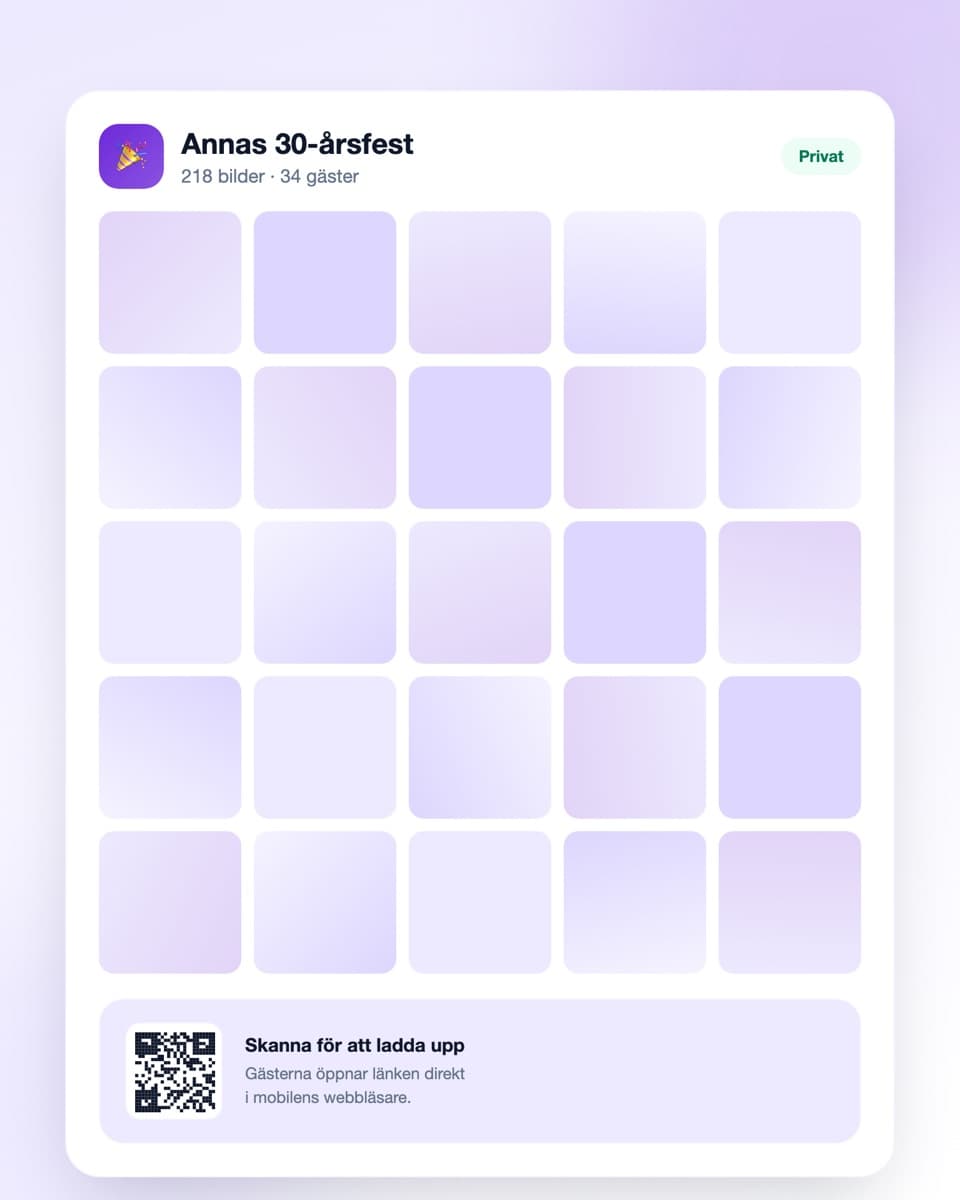
How to collect the party photos
Three steps — done before the first guest arrives.
- Steg 1
Create your event
Sign up free and create an event for the party. Give it a name your guests will recognise. Done in under a minute.
- Steg 2
Share the QR code
Print it and put it on the tables, at the bar or in the hallway. Send the link to the group chat the day before too.
- Steg 3
Photos arrive automatically
Guests scan and upload straight from their phones. The next day you download everything in one click, at full resolution.
Everything you need for the party photos
Built to work in the middle of a party — not in peace and quiet.
No app required
Guests open the link in their ordinary mobile browser and upload right away. Works on iPhone, Android and everything in between.
QR code where the guests are
Print as many codes as you like and put them on the tables, at the bar or on the bathroom door. They all lead to the same gallery.
Everything in one place
No chasing photos across six different chats the next day. Every contribution lands in the same collection, in chronological order.
Download everything at once
The whole party at full resolution in one click — not compressed chat copies.
Party photos — why they nearly always disappear
There's something very predictable about parties: everyone takes photos, almost nobody shares them, and two weeks later there is barely a single picture you actually have access to.
The host ends up with the fewest photos
There's an unfairness built into how party photos work. Whoever throws the party takes the fewest pictures — you're in the kitchen, topping up ice, hunting for another chair and talking to everyone for three minutes each.
So the person who put in the most time and money is the one left with the least of it afterwards. Your guests have a hundred photos each on their phones. You have eleven, seven of which are of the food before anyone arrived.
Group chats are not an archive
The usual attempt to fix this is a group chat. It works poorly for three reasons. Photos get heavily compressed, so what you end up with is a thumbnail rather than an original. They get mixed in with a hundred messages and vanish up the thread. And all your guests are never in the same group — colleagues in one, friends in another, family in a third.
A shared gallery solves all three at once. One link, full resolution, every guest regardless of how they know you.
Requiring an app is what stops people
Most services for this require guests to download an app and create an account. At a party that's fatal. Nobody stands at the bar installing something, creating a password and verifying their email address in order to share a photo.
That's why a QR code works so well: the camera recognises it, a link appears, the guest taps and they're in. From seeing the code to having photos uploaded takes under a minute, and that's the entire difference between getting five photos and three hundred.
Put the code where people actually pause
The most common mistake is a single code by the entrance. People arrive holding their coat and never scan it. Put codes where people stand still for more than ten seconds: on the tables, at the bar, by the food — and one on the inside of the bathroom door, which sounds silly but is reliably the placement that produces the most uploads.
Say it out loud once during the evening, too. One sentence during a toast or as food is served produces more photos than all the printouts combined.
Download before you forget
Getting started is free, and the free plan covers a smaller party. For something bigger there are plans with more uploads and longer storage, and you can upgrade mid-evening if you run out.
Do one thing the next day while you're clearing up anyway: download the whole collection. Then you have the originals whatever plan you chose and however long the storage period is.
Common questions about party photos
Answers to what people usually ask.
Do guests need to download an app?
No. Guests scan the QR code with their phone camera or open the link in their ordinary browser. No account, no app, no password — and that's the whole reason people actually upload.
Where should I put the QR code at the party?
Where guests stand still for a while: on the tables, at the bar, by the food. A code on the inside of the bathroom door sounds odd but in practice produces the most uploads. Use as many printouts as you like — they all lead to the same gallery.
Can guests upload both photos and videos?
Yes, both. Often it's the short clips — the speech, the toast, the dance floor — that turn out to be the best memories.
Do guests have to upload during the party?
No. The gallery stays open afterwards, so anyone who'd rather upload on Sunday while going through their camera roll can. Send a reminder to the group chat the next day.
Do photos get compressed like in a group chat?
No. Photos upload at their original quality and can be downloaded at full resolution. That's one of the biggest differences from passing pictures around in chats.
How long are the party photos kept?
The free plan keeps them 30 days, paid plans longer — up to a year. Download the whole collection before the time runs out and you keep the originals.
What does it cost?
Getting started is free. The free plan covers a smaller party (up to 50 uploads, 30 days of storage). Larger parties have plans with more storage and uploads, and you can upgrade mid-evening.
Before the party
A little more on how it works and what it costs.
Ready to collect the photos from your party?
Create your event free today. No credit card, no fuss — done in under a minute.